
Link Storage

SharePoint
Instant sync access to all of your SharePoint sites
Link SharePoint
Infinite Sync for your SharePoint sites
Instant access to your SharePoint sites
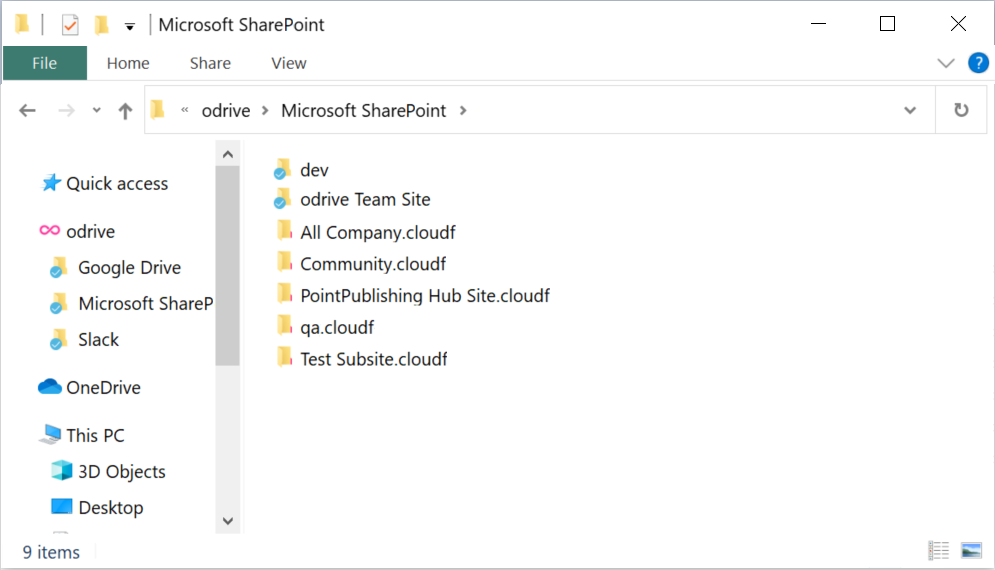
Link SharePoint using your Office365 credentials and instantly get access to all of your Microsoft user's SharePoint sites. Each site appears as a separate folder within your new SharePoint link folder in odrive. Go into a site folder to get access to the site's documents.
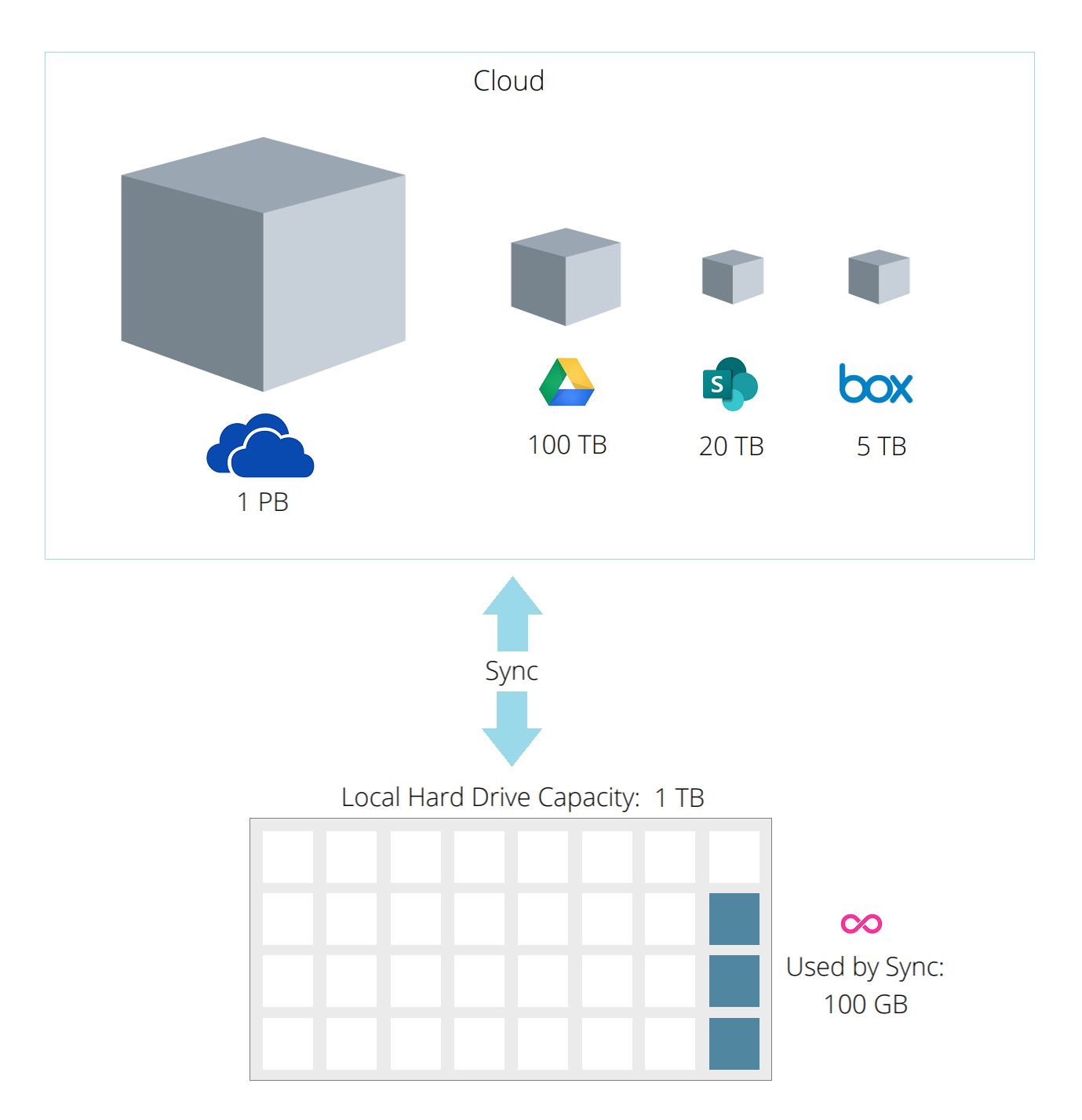
Infinite sync saves you disk space and network bandwidth
All of the available files in your sites first appear as placeholder cloud files that don't take up any space on your computer. File content is only downloaded when you need to access a file, saving you lots of disk space and bandwidth at scale.
Universal sync keeps you organized
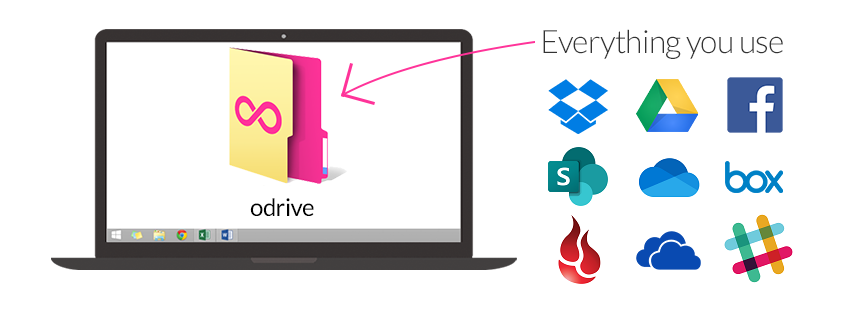
Unify access to all of your other cloud storage, including OneDrive and OneDrive for Business accounts, under your odrive login. Most cloud storage and infrastructure storage is supported. You can uninstall other clients since odrive can sync them all. You can even connect sites from multiple Office365 accounts to your odrive as separate links.
Work better
Work directly out of your odrive folder, even while offline, and changes will sync back up to your SharePoint site when your internet is restored.
Also, you can easily share weblinks to your files and folders through odrive and manage them from one place. You can even link your personal and your work storage accounts together under odrive (they remain as separate links).
Go ahead, use odrive and take it for granted. It works for you so you don't have to stress over managing and moving multiple versions of files.
Go ahead, use odrive and take it for granted. It works for you so you don't have to stress over managing and moving multiple versions of files.
FAQ
I want to use OneDrive with Office365. How much does it cost, and what other benefits do I get?
Microsoft has a pricing page for Business customers which describes the plans and payment options.
Are .cloud / .cloudf files and placeholder files (from consumer OneDrive) the same thing?
Yes. odrive uses the file formats of .cloud for files and .cloudf for folders. They are functionally equivalent to placeholder files that users
of the consumer version of OneDrive on Windows 8.x recognize and appreciate (OneDrive no longer supports this on Windows 10, but odrive has you covered). Placeholder files are how odrive lets you see
what you have in your storage without taking up space on your local disk. Simply double-click these files or folders to sync them for use.
Can I link my consumer OneDrive account to odrive?
Yes. Please see the OneDrive link page.
Is the odrive desktop sync client better than the SharePoint sync client?
Feedback from our early users indicates almost unanimously that it is, but try it out yourself and see if you like it just as much as they do.
 my odrive